The Ultimate Guide to UTM Parameters: How to Track Your Marketing ROI Like a Pro
Imagine spending $1,000 on a new Facebook ad campaign, sending out a massive email newsletter, and collaborating with an influencer all in the same week. Suddenly, you see a massive spike in sales! But wait… which of those three channels actually drove the revenue?
If you aren’t using UTM parameters, you are essentially flying blind. In the world of digital marketing, guessing is the fastest way to drain your budget.
In this guide, we will break down exactly what UTM parameters are, why Google Analytics 4 (GA4) practically demands them, and how you can generate them instantly without making costly formatting mistakes.
Stop Guessing. Start Tracking!
Generate perfectly formatted, error-free campaign URLs in seconds with our free browser-based tool.
Launch Free UTM Builder🤔 What Exactly Are UTM Parameters?
UTM stands for Urchin Tracking Module. (Fun fact: Urchin was the software company Google acquired in 2005 to create Google Analytics!).
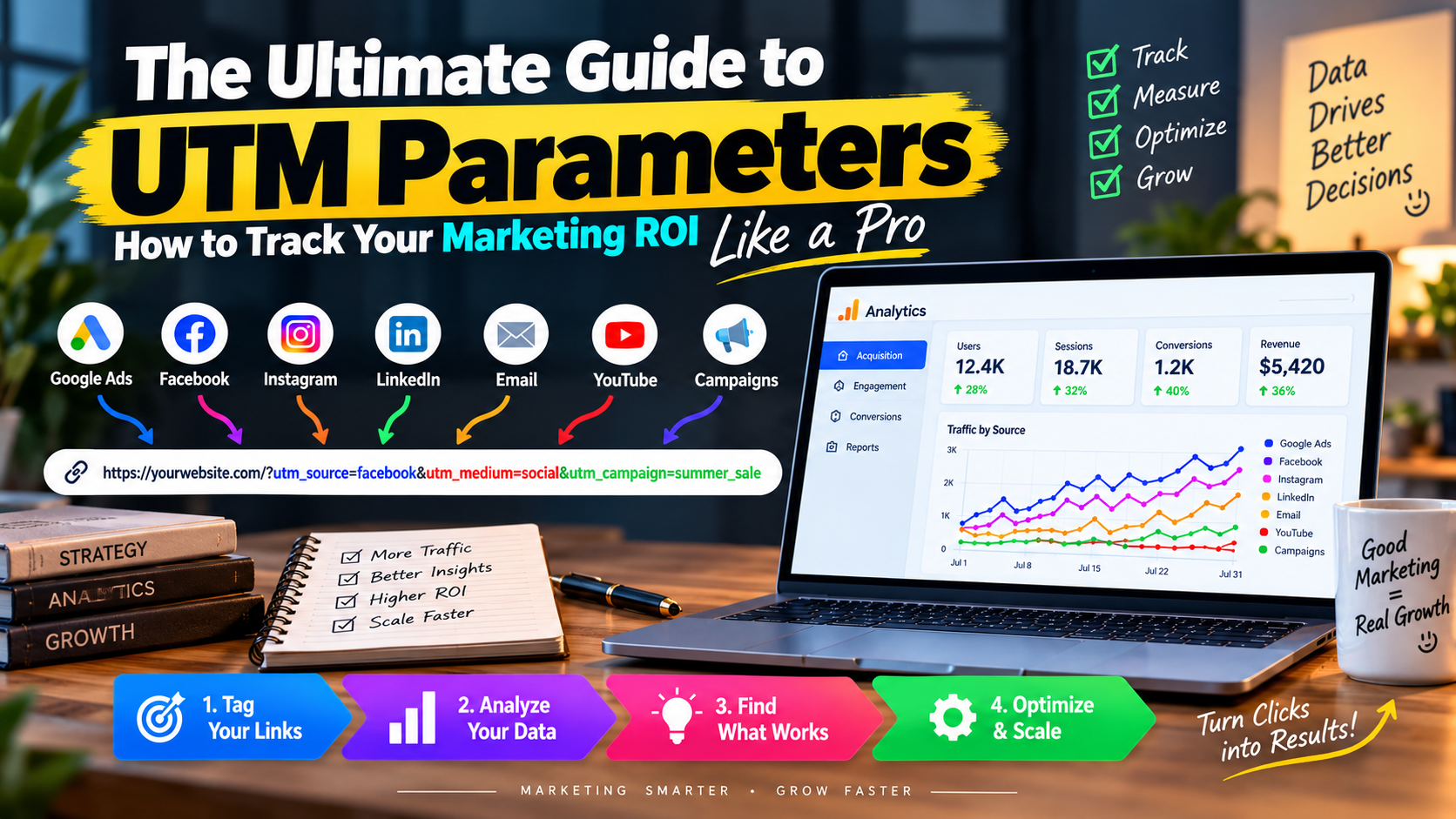
UTMs are simply short text codes that you add to the end of a regular URL. They don’t change the destination of the link; they simply tell your analytics platform exactly where the user came from and why they clicked. A standard UTM-tagged link looks like this:
https://yoursite.com/shoes?utm_source=facebook&utm_medium=cpc&utm_campaign=summer_sale
📊 The 5 Standard UTM Tags Explained
To track campaigns accurately, there are five core parameters you can use. The first two are absolutely mandatory for Google Analytics to categorize your traffic properly:
- 1. Campaign Source (
utm_source): Where is the traffic coming from? Examples: google, facebook, newsletter, linkedin. - 2. Campaign Medium (
utm_medium): How is the traffic getting to you? Examples: cpc (cost-per-click), social, email, banner. - 3. Campaign Name (
utm_campaign): Why are you driving this traffic? Examples: summer_sale, black_friday, product_launch. - 4. Campaign Term (
utm_term): What keyword did you pay for? (Mostly used for paid search ads). Example: running+shoes. - 5. Campaign Content (
utm_content): What exactly was clicked? Great for A/B testing two different buttons in the same email. Examples: blue_button, header_link.
⚠️ 3 Golden Rules for UTM Tagging
Making a mistake with your UTM tags can actually ruin your analytics data. Before you start sharing links, memorize these three rules:
- Always Use Lowercase: Google Analytics is case-sensitive. If you tag one link as
utm_source=Facebookand another asutm_source=facebook, GA4 will treat them as two completely different traffic sources, splitting your data and causing a massive headache. - Never Use Spaces: Spaces in URLs break links. If you need to separate words, use an underscore (
_) or a hyphen (-). For example, useblack_fridayinstead ofblack friday. - Never Tag Internal Links: UTM parameters should only be used for traffic coming into your website from the outside. If you put a UTM tag on a button that goes from your homepage to your contact page, it will overwrite the original source data and ruin your user journey tracking.
🚀 The Easiest Way to Build UTM Links
Typing out UTM parameters manually is tedious and highly prone to human error—a single typo or missing & symbol will break the tracking.
That is why we built the MehenaTools UTM Link Builder. It features a clean, simple interface where you just fill in the boxes, and the tool automatically formats the URL, adds the correct symbols (? and &), and gives you a one-click copy button.


Leave a Reply