What Is an MD5 Hash? Uses, Risks and Alternatives
Learn what an MD5 hash is, how checksums are used and why MD5 should not protect passwords or security-sensitive data.
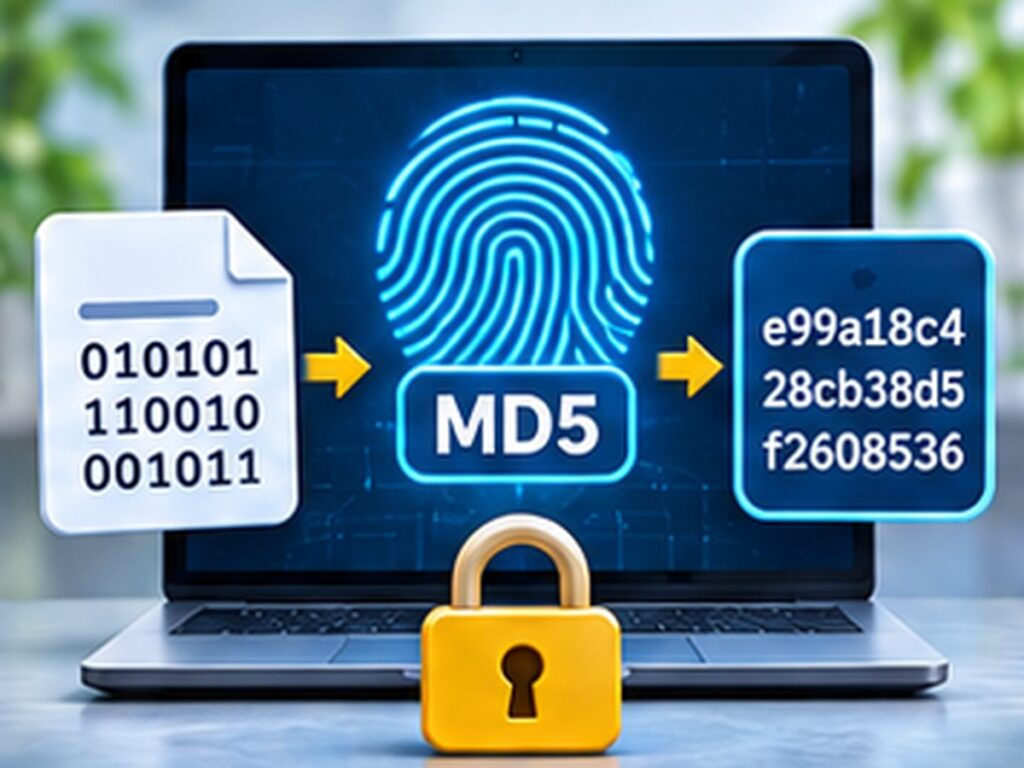
MD5 is a cryptographic hash function that produces a 128-bit digest, commonly shown as 32 hexadecimal characters. It has been used for file checksums and legacy systems, but it is no longer considered secure against deliberate collision attacks.
Hashing is different from encryption
A hash is designed to produce a fixed-size digest from input data. It is not intended to be decrypted back into the original message. Encryption, by contrast, is designed to be reversible by someone with the appropriate key.
Where MD5 may still appear
Older software and file repositories may display MD5 checksums to detect accidental changes. However, if an attacker can replace both a file and its checksum, MD5 does not provide trustworthy authenticity.
Do not use MD5 for passwords
MD5 is fast and unsuitable for password storage. Modern password storage should use dedicated password-hashing algorithms such as Argon2id, bcrypt or scrypt, with appropriate parameters and unique salts.
Safer integrity checks
For security-sensitive file verification, use a modern hash such as SHA-256 and obtain the expected digest from a trusted source. For authenticity, use a digital signature or another authenticated mechanism.
Frequently asked questions
Can two files have the same MD5 hash?
Yes. MD5 collision attacks are practical, so matching MD5 values do not prove that two files are identical in a security-sensitive setting.
Is MD5 useful for detecting accidental corruption?
It may detect some accidental changes in legacy workflows, but modern alternatives are preferable.
The Mehena Tools MD5 Generator can create a digest for learning or compatibility checks. Do not rely on MD5 for security.
Find simple browser-based utilities for everyday document and image tasks.
Explore all tools →