How to Organise Digital Documents: File Names, Folders and Backups
Create a simple digital document system with consistent file names, folders, version labels and backups for personal or small-business files.
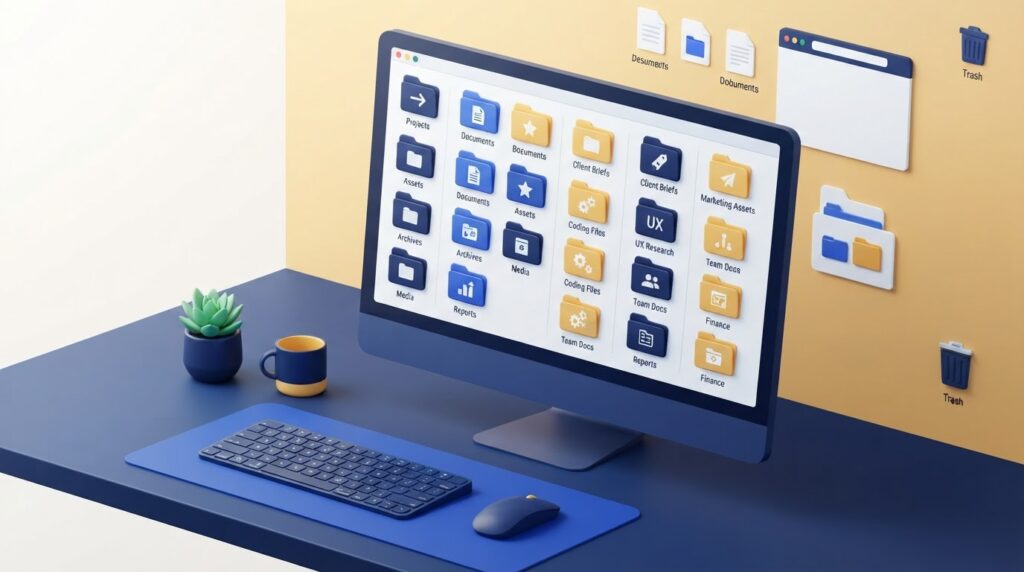
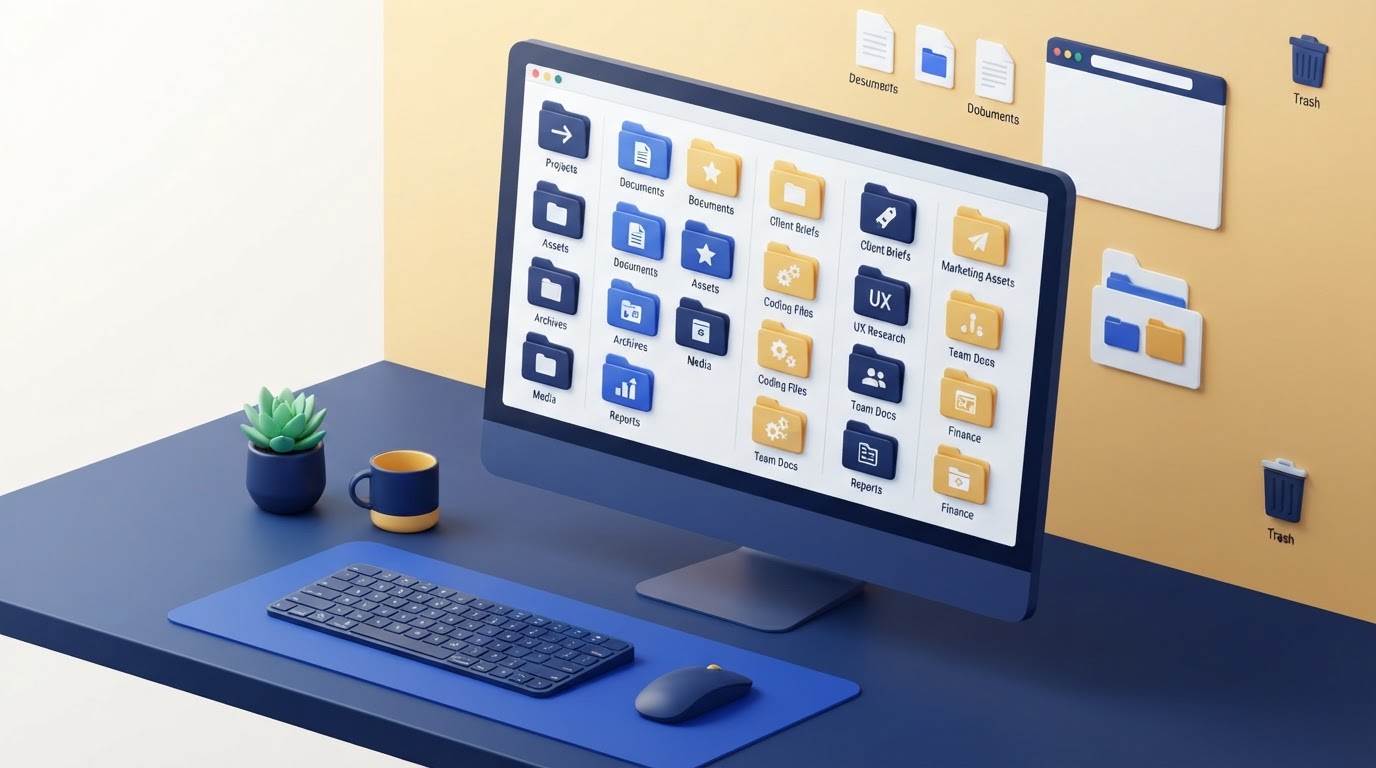
Digital documents become difficult to manage when every file is saved with a name such as “final”, “final-new” or “scan001”. A simple organisation system makes files easier to find, reduces accidental duplication and helps you identify the correct version when it is time to share or update a document.
Build a folder structure that matches your work
Start with a small number of broad folders, such as Personal, Work, Finance, Education and Projects. Inside each, create subfolders only when you have enough files to justify them. Too many levels can make a system harder to use, so keep the structure shallow and predictable.
Use a consistent file naming pattern
A useful pattern is YYYY-MM-DD_Category_Description_Version. For example: 2026-11-21_Invoice_ClientA_v01.pdf. Dates in year-month-day order sort naturally. Use short descriptions, avoid unusual symbols and keep names understandable to someone other than yourself.
Separate drafts from approved copies
Do not rely on “final-final” naming. Use clear version numbers or status labels such as Draft, Review and Approved. When a document is approved, store that version in a location that is easy to identify. If several people edit the same file, agree on who owns the master copy.
Choose formats intentionally
PDF is useful for sharing a document whose layout should remain consistent. An editable spreadsheet or word-processing file is better when the recipient needs to change data or content. Images are suitable for photographs and visual material. Read our guide to PDF, JPG and PNG formats before converting a file just for convenience.
Make backups part of the routine
Keep more than one copy of important documents. A practical approach may include a local copy and a separate backup location, such as an approved cloud service or external drive. Check that backups actually open; a backup that has never been tested may not help when you need it.
Protect sensitive folders
Store identity documents, financial records and private correspondence in locations with appropriate access controls. Do not share a whole folder when the recipient needs only one file. Review shared links periodically and remove access when it is no longer required.
A monthly document tidy-up
- Move loose files into the correct folders.
- Rename unclear files using your chosen pattern.
- Remove duplicate working copies only after checking which is current.
- Archive completed projects.
- Confirm that important files are included in your backup.
Related tools
When several documents need to become one file, read how to merge PDF files in order. If you are organising scans, see how to create a clean PDF from multiple photos.
Final thought
The best document system is one you can maintain. Start with a few clear folders, use consistent names and make backups routine. A small amount of organisation today can prevent a great deal of searching later.
Find simple browser-based utilities for everyday document and image tasks.
Explore all tools →