How to Compress Images for Faster Website Pages
Reduce image file sizes for websites while balancing visual quality, dimensions, responsive delivery and accessibility.
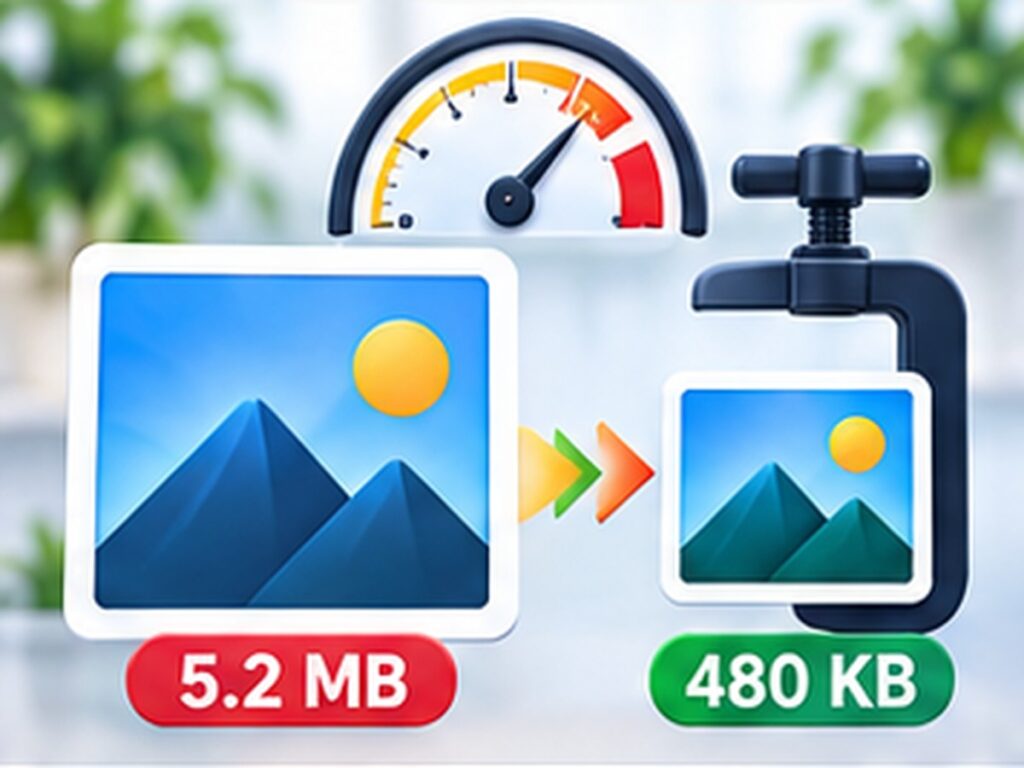
Large images can make web pages slower, especially on mobile connections. Image optimisation reduces unnecessary file weight while keeping pictures clear enough for their purpose.
Start with the right dimensions
Do not upload a huge original image if the page displays it at a much smaller size. Prepare dimensions that suit the layout and provide responsive versions where your website platform supports them.
Choose a suitable format
JPG is commonly used for photographs. PNG is useful for graphics that need lossless detail or transparency. WebP and AVIF can offer efficient compression when your publishing workflow supports them.
Balance quality and size
- Use moderate lossy compression for photographs.
- Inspect text, edges and gradients for visible artefacts.
- Keep transparency when the design requires it.
- Avoid repeatedly re-saving already compressed JPG files.
- Keep an original copy before batch optimisation.
Do not forget accessibility
Add meaningful alternative text when an image communicates information. Decorative images can use empty alt text where appropriate. Compression does not replace good image descriptions or accessible page design.
Frequently asked questions
Will compression always reduce file size?
Not necessarily. Re-encoding an already optimised image can sometimes produce a larger file. Compare the output before replacing the original.
Does compression change image dimensions?
Some compressors only change encoding quality; resizing tools change pixel dimensions. Check which operation your tool performs.
Use the Mehena Tools Image Compressor to create a smaller image and inspect the result before publishing.
Find simple browser-based utilities for everyday document and image tasks.
Explore all tools →