Base64 Encoding Explained: Uses and Limitations
Understand what Base64 encoding does, why it increases data size and why it is not encryption.
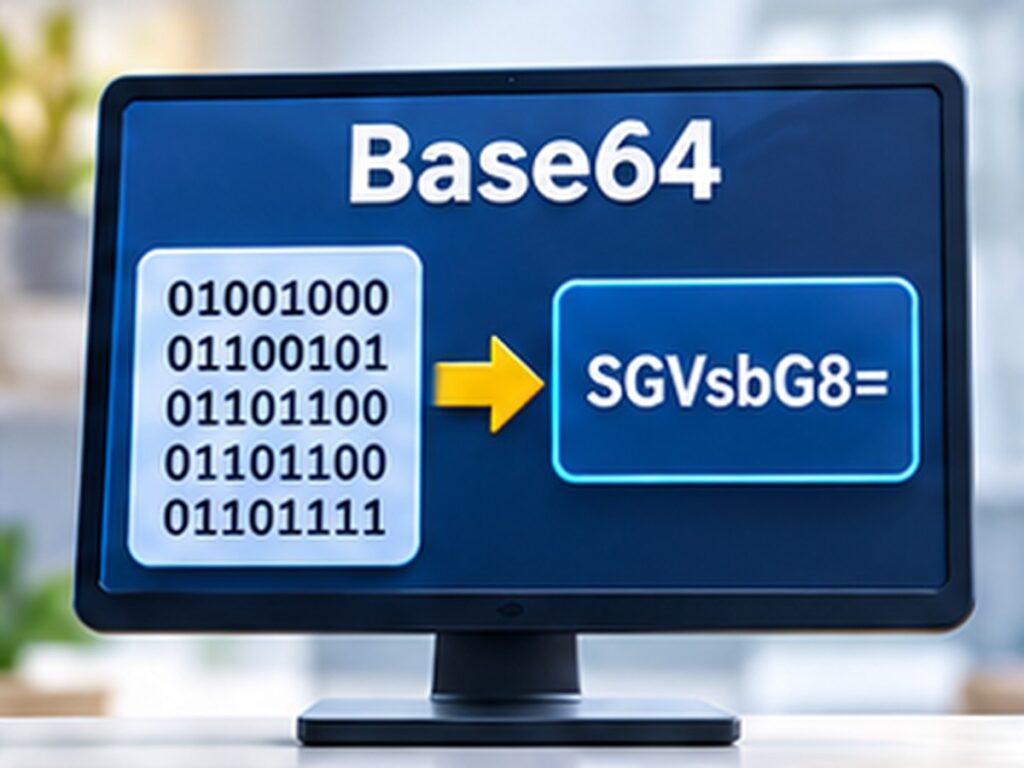
Base64 is a way to represent binary data using a limited set of text characters. It is useful when a system expects text but needs to carry data such as small file contents or encoded values.
Encoding is not encryption
Base64 does not keep information secret. Anyone who has the encoded text can decode it. Never use Base64 as a substitute for encryption, access control or secure storage.
Why the output is longer
Base64 represents groups of binary bits with printable characters. As a result, the encoded output is usually about one-third larger than the original binary data, with padding sometimes added at the end.
Common uses
- Embedding small images or assets in text-based formats.
- Transferring binary data through systems designed for text.
- Representing data in certain API payloads.
- Encoding email attachments as part of established email formats.
Things to check
Use the correct character encoding for text before converting it. Keep track of whether a value is standard Base64 or a URL-safe variant. Large files are usually better transferred as files rather than pasted into text fields.
Frequently asked questions
Can Base64 be decoded without a password?
Yes. Base64 has no password or secret key. Decoding reverses the representation.
Does Base64 compress data?
No. It usually increases the size. Compression and encoding are different operations.
You can use the Mehena Tools Base64 Encoder for simple encoding and decoding tasks. Do not paste passwords, private keys or confidential data into tools unless you have assessed their handling and security.
Find simple browser-based utilities for everyday document and image tasks.
Explore all tools →