How to Create a QR Code That People Can Actually Scan
Make QR codes easier to scan with suitable size, contrast, quiet space, testing and a trustworthy destination URL.
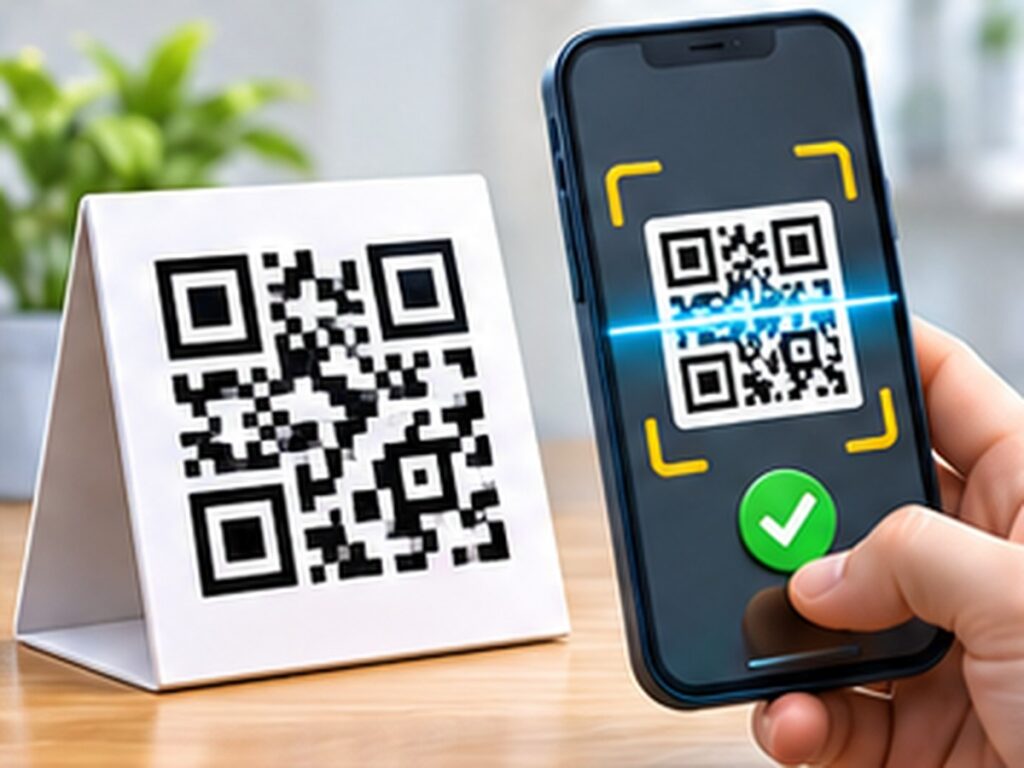
A QR code is useful only when people can scan it and trust where it leads. Whether it appears on a poster, product label, menu or business card, a few simple checks can improve reliability.
Start with the destination
Use the correct full URL and check that the page works on a mobile phone. Prefer a short, stable destination that will remain available. Avoid directing people to a page that requires unexpected sign-in or an unfamiliar download.
Make the code readable
- Use strong contrast, usually a dark code on a light background.
- Leave a clear quiet zone around the code.
- Avoid stretching, skewing or decorating the code so heavily that modules become unclear.
- Choose a size appropriate for the expected scanning distance.
- Use a sharp export suitable for the final print or screen.
Test before publishing
- Scan the code with more than one phone if possible.
- Test from the actual printed material, not only from a computer screen.
- Check the destination URL before and after any redirect.
- Make sure the code remains readable in the final colours and lighting.
Static and dynamic QR codes
A static QR code stores its destination information directly. A dynamic QR service may use a redirect that can be edited later, but it depends on the provider and its continued availability. Check fees, privacy terms and account requirements before relying on a third-party service.
Frequently asked questions
Can a QR code expire?
A static code does not normally expire by itself, but its destination website can disappear. A dynamic code may stop working if the provider disables the redirect or account.
Can I use a logo in the middle?
Some codes include error correction that can tolerate limited obstruction, but always test the final design on real devices.
Find simple browser-based utilities for everyday document and image tasks.
Explore all tools →