Compress PDF Online – Reduce PDF File Size Quickly & Easily
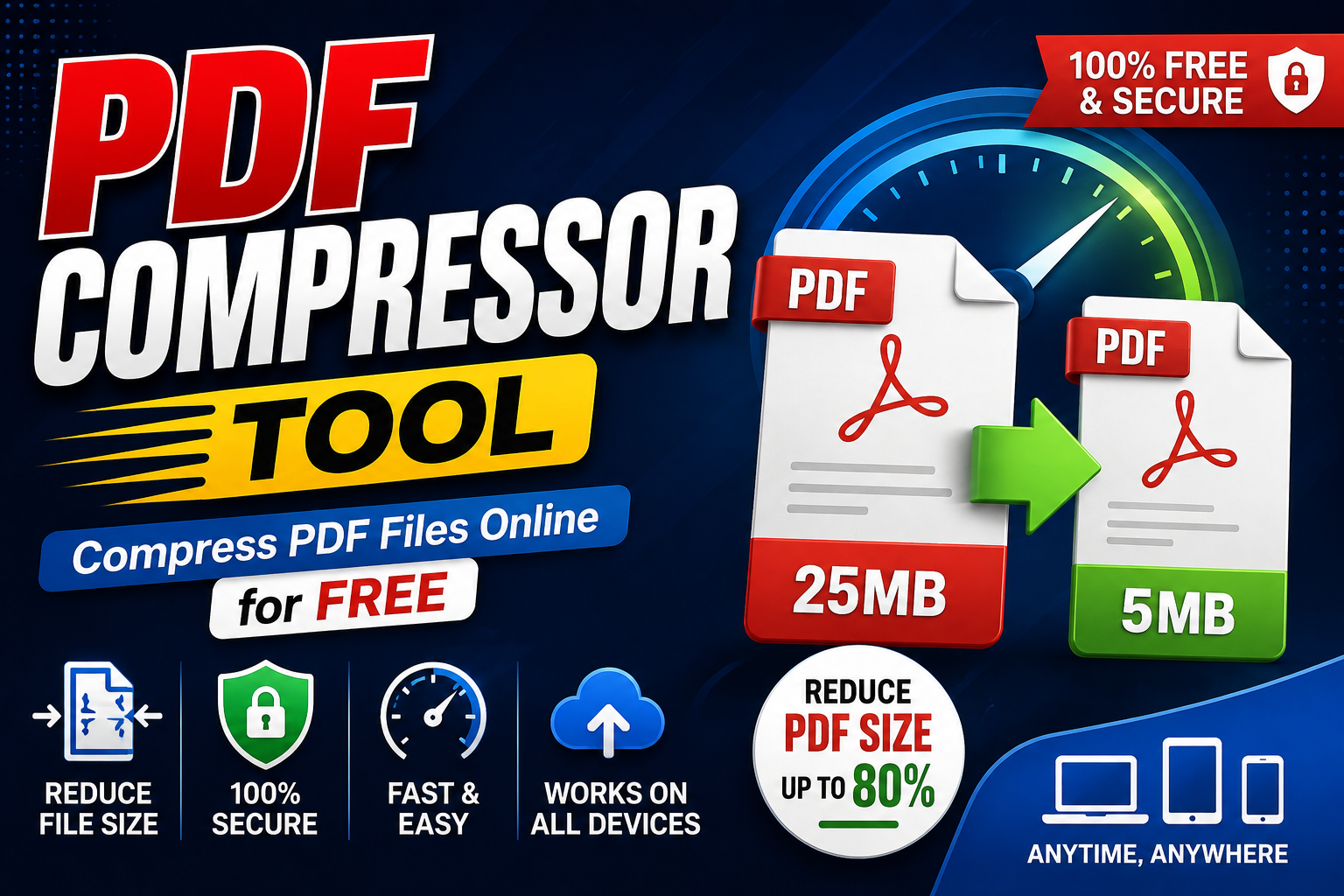
We all know how frustrating it is to try and email a large PDF file or upload a document to a government portal, only to be hit with a strict 2MB or 5MB file size limit. But what are you supposed to do when your critical document is 15MB?
If you search the web, you will find thousands of “Free Online PDF Compressors.” However, almost all of them share one massive, hidden problem: they require you to upload your highly sensitive documents to their remote servers to be processed.
Keeping these severe privacy risks in mind, we engineered the Secure PDF Compressor Tool. It is a state-of-the-art utility that performs all the complex compression algorithms entirely within your web browser (using local processing). This means your private files never touch the internet!
Shrink Your PDF Files Instantly!
100% secure, lightning-fast, and completely browser-based. Zero files are ever uploaded to our servers.
Launch PDF Compressor🤔 Server-Based vs. Browser-Based Compression: What is the Difference?
When you upload your PDF to a standard, older generation online tool, this is what typically happens:
- 1. The Server Upload: Your file is physically uploaded to a remote server (often located in a different country). This consumes your internet data bandwidth and takes time.
- 2. The Privacy Nightmare: The uploaded file is saved onto their hard drives for processing. If your document contains bank statements, legal contracts, or personal ID cards, there is a massive risk of data breaches.
- 3. The Download Loop: After waiting in a queue for processing, you then have to download the file back to your computer.
But the MehenaTools PDF Compressor operates on a completely different paradigm:
Our tool is built utilizing modern WebAssembly and the HTML5 Canvas API. When you select a PDF, the tool uses your own device’s RAM and processor to analyze and compress the file right inside the browser window. In fact, if you turn off your Wi-Fi after loading the page, the tool will still work perfectly! Zero Uploads, 100% Absolute Privacy.
⚙️ How to Reduce File Size (3 Simple Steps)
- Select Your File: Navigate to our tool and simply Drag & Drop your bulky PDF file into the designated upload area.
- Choose Compression Level: Depending on how much size you need to shave off, select “Low”, “Recommended”, or “Max” compression. (For 90% of tasks, “Recommended” provides the best balance).
- Compress & Download: Click the “Compress PDF” button. Within seconds, your optimized, lightweight file will be downloaded directly to your PC or mobile device.
✨ Will My Text Become Blurry and Unreadable?
The most common fear when shrinking a PDF is that the internal text will become pixelated or unreadable. The answer is a resounding—No!
Our intelligent compression algorithm specifically targets unnecessary metadata and bloated, high-resolution embedded images. It actively ignores and preserves the vector text and font data. This ensures your documents remain as crisp and legible as the original. This makes our tool the perfect solution for optimizing Resumes (CVs), business reports, and legal documents.
Leave a Reply